 dj-digger
The browser extension
The desktop app's hands in the browser you already use. It works while dj-digger runs on the same computer.
What it does
Download gates
Finishes the Hypeddit and ToneDen gates the app cannot finish alone. The file goes to the app.
Store carts
Adds your picks to your Bandcamp and Beatport carts. It never checks out or pays.
SoundCloud sign-in
Signs the app in with the SoundCloud session your browser already has.
Player in your toolbar
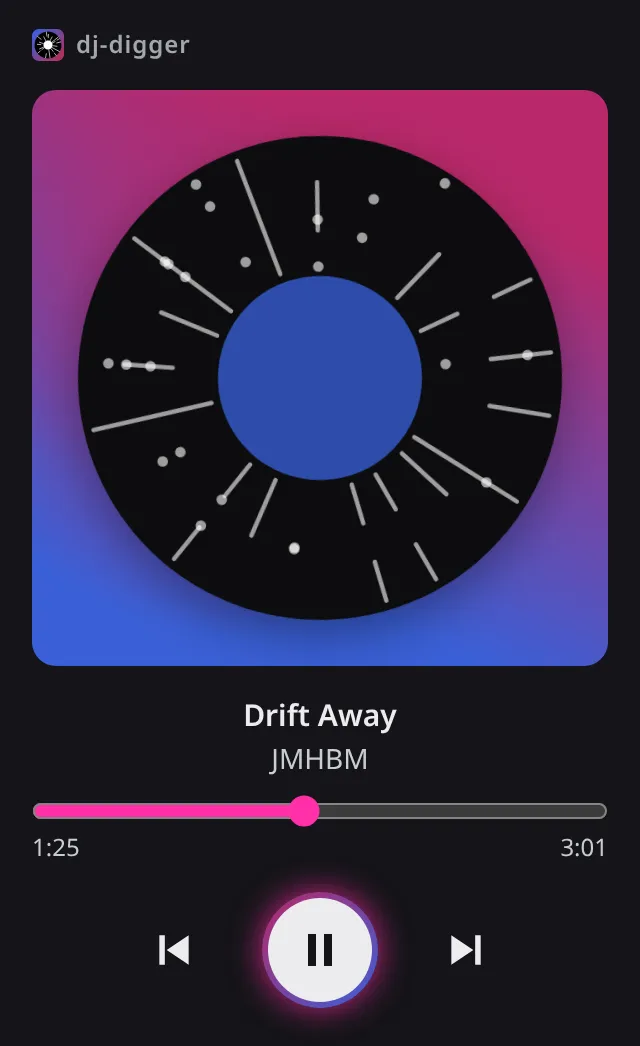
Play, pause, skip and seek the app's track, follow its running job, answer when gates need you.
Import from SoundCloud
Send a playlist, track or profile to the app from the panel, the right-click menu or the Import to DJ digger button.
Supported browsers
Chrome, Edge and Brave. Edge asks to allow extensions from other stores.
Browsers installed as Flatpak or Snap cannot start the link to the app.
Where your data goes
The extension talks only to the dj-digger app on your computer. Nothing is sent to the developer: no analytics, no ads. It keeps only session data, cleared when the browser closes.
Start with the app
The extension waits for the desktop app. Install it and start it once.