 dj-digger
 Organize downloaded DJ tracks
Filip Białogrecki · Updated
Organize your downloaded DJ tracks
You bought an EP, downloaded two artist edits and found the same tune in last month’s folder. Before you drag everything into a set playlist, give each recording a permanent home. You should be able to find the right mix again even when the gig playlist is gone.
Work through one batch
- Use an inbox. Unpack the release in a temporary folder. Keep the original download and purchase receipt while you check the files. A SoundCloud bookmark belongs on your listening list until you have the audio.
- Identify the version. Compare artist, mix credit, runtime and the first and last phrases. An extended mix with a 32-bar intro and a radio edit with the same title serve different jobs. Keep the version name in the filename.
- Choose a stable location. For example, put the EP in
Music/Library/Artist/Release/. Move files here before importing them into your DJ software so its saved paths point to their final location. - Listen before filing. Check the intro, breakdown and ending. A clipped intro or an unexpected spoken outro is worth catching before the track joins your set.
Let one file belong to several sets
Keep the original in that release folder. Put references to it in playlists such as “Friday warm-up” and “Long blends”. When the gig is over, retire the playlist and keep the recording. In dj-digger, open the local folder, select the tracks and use Send to to build a local playlist.
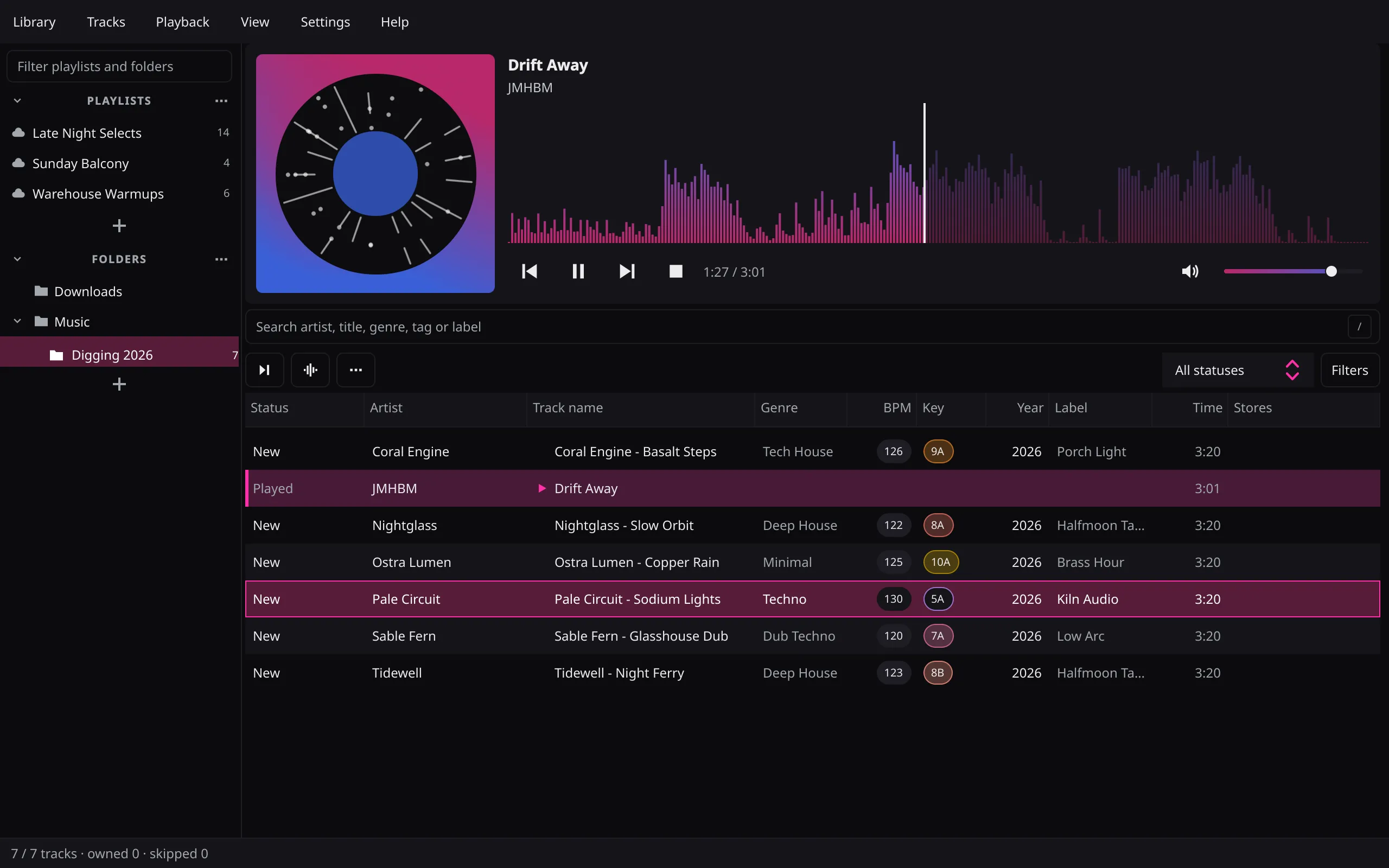
Try a short rehearsal in playlist order. If two tracks both show 128 BPM but their accents fight in the mix, change their order. BPM and key estimates help you find candidates. Listening tells you which transition works.
When two files look identical
Start with the mix credit and duration, then audition both. A matching title alone is too little evidence to delete a file. If an existing playlist reports a missing track, locate its original file before importing another copy. Back up the library and your DJ software’s playlist data before a large reorganization.
Keep a separate folder for playback copies made for a particular booth. For the next step, see how to choose FLAC or WAV for your decks.